
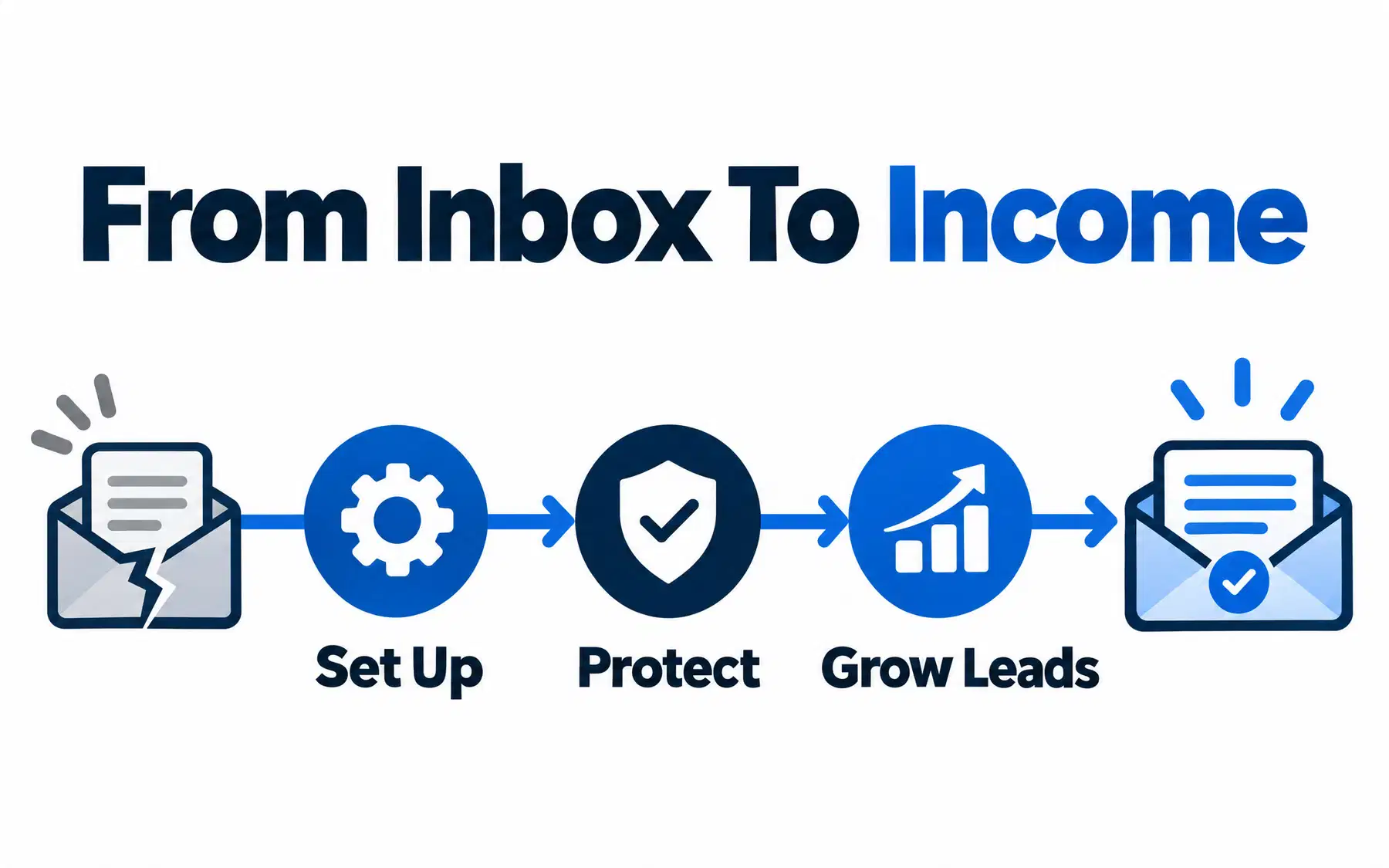
This Google Workspace email guide for beginners walks you through setting up a professional address like you@yourcompany.com, from verifying your domain and activating Gmail to keeping your messages out of spam. You will also learn how Google Workspace helps consolidate business tools and supports your wider growth plans with Google Ads, YouTube and ex.plo.re.
Get Google Workspace for Your Business →
Disclosure: This article includes a Google Workspace referral link. ex.plo.re may earn a referral fee if you sign up.
What Google Workspace Email Is (and Why It Beats Free Gmail)
Google Workspace is Google’s paid business version of the apps you already know: Gmail, Calendar, Drive, Docs, Meet and more, tied to your own domain name. Instead of yourname@gmail.com, clients see yourname@yourbrokerage.com.
The apps look almost identical to the free consumer versions, but the business edition adds admin controls and extra features on top of the familiar Gmail interface, according to one detailed Google Workspace review. A personal account has no admin console and no way to keep a mailbox when someone leaves your team.
| Personal Gmail | Google Workspace email | |
|---|---|---|
| Address | you@gmail.com | you@yourcompany.com |
| Cost | Free | Paid, per user per month |
| Admin control | None | Admin console for users, security, devices |
| Storage | Shared consumer allowance | Business storage tiers by plan |
| Account ownership | The individual | The business |
Google Workspace is a paid business subscription, with trial options and plans that scale with your team. Compare Google Workspace plans and sign up here to get professional email, company-controlled accounts and business support.
Switching to Google Workspace can also simplify the software you pay for. Many businesses use Gmail instead of Outlook, and Google Drive instead of separate Dropbox or Box subscriptions, subject to the storage, compatibility and security features they need. With a managed business account, your team can also use Google Ads to run lead-generation campaigns and YouTube to share videos, product walkthroughs and client stories. Ads require a separate budget and campaign setup. Want those channels working together? Explore our marketing and growth services.
Explore Google Workspace Plans →
Before You Start: What You Need to Set Up Google Workspace Email
Gather four things before you open the signup page: a domain name, access to its DNS settings, your business details, and a plan choice.
- A domain name. Buy one during signup or use an existing domain you already own for your website.
- Access to your domain’s DNS settings. This is the control panel at your registrar or host where you add TXT and MX records. If an agency built your site, ask for the login now.
- Your business details. Company name, team size, country, and a current email address Google can use to contact you during setup.
- A plan choice. Plans differ by storage and features. Pick the smallest one that covers what you need; you can upgrade later.
If you cannot log in to your DNS settings, stop here and solve that first. Every remaining step depends on it.
Start My Google Workspace Setup →
Google Workspace Email Guide for Beginners: Account Setup Step by Step
Here is the Google Workspace email setup for beginners in order. Each step includes how to tell it worked.
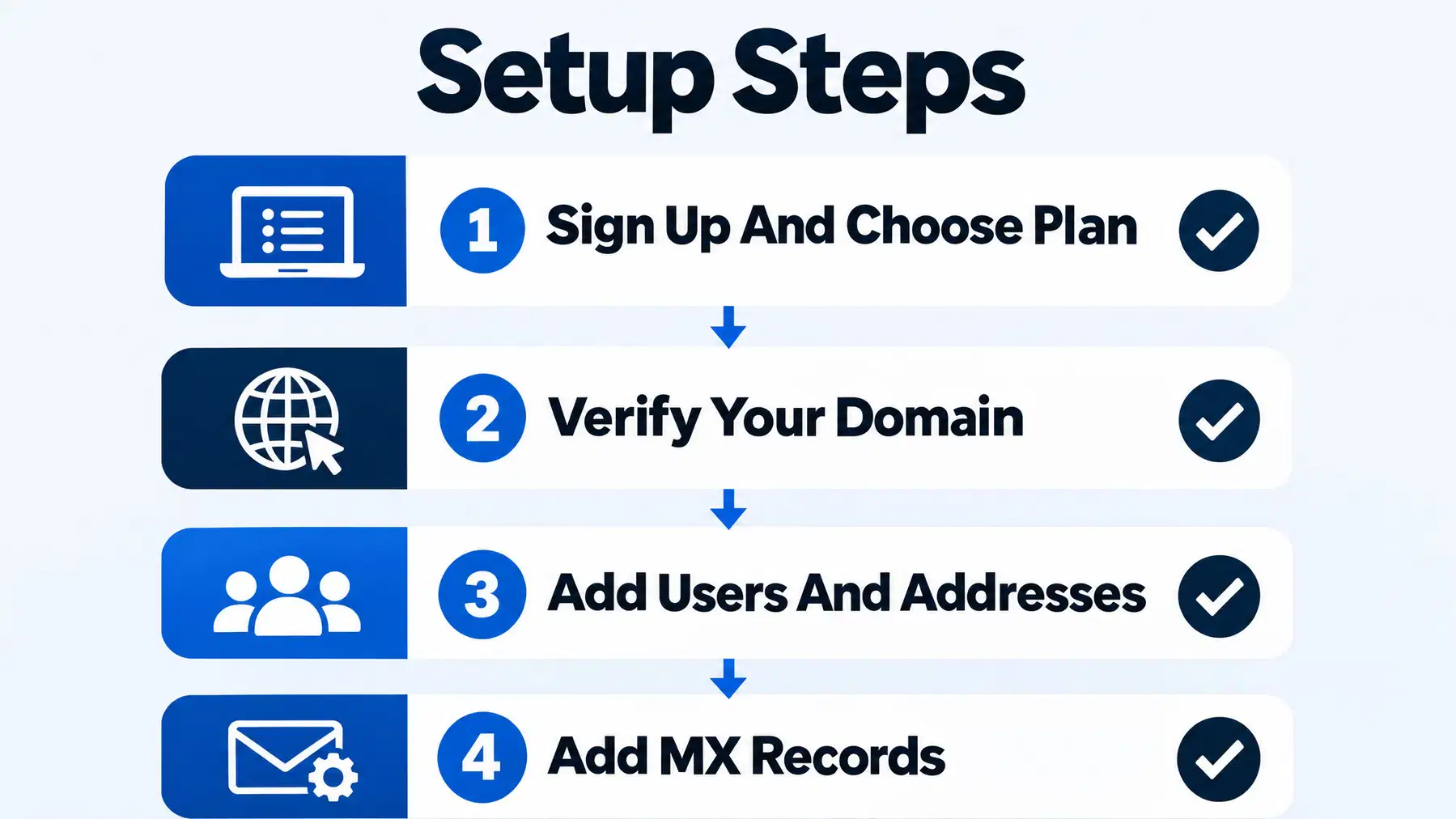
- Sign up and choose a plan. Create your Google Workspace account, enter your business details and create your first user, who becomes the super admin. It worked when you can sign in to the Admin console.
- Verify your domain. Google gives you a verification record to add to your DNS, usually a TXT, CNAME or MX record, an uploaded HTML file, or a meta tag, as the same review of domain verification options explains. It worked when the console shows your domain verified.
- Add users and create custom addresses. In the admin console, add each team member, then create shared addresses like info@yourcompany.com or sales@yourcompany.com. Group addresses carry no extra licence cost, notes a small business setup guide. It worked when new users receive their login details.
- Add MX records to activate Gmail. Follow Google’s official MX record instructions, add the values to your DNS panel, and confirm in the console. It worked when a test message from an outside address arrives in your new inbox.
- Set up email authentication. Publish SPF, enable DKIM signing in Google Workspace and add a DMARC policy appropriate for your domain. It worked when your test messages pass the relevant authentication checks.
Why Your New Email Might Land in Spam (and How to Fix It Before You Lose a Lead)
A brand-new domain has no sending history. Mail filters treat unknown senders cautiously, so your first client emails, listing alerts and follow-ups can quietly land in spam exactly when you need them read.
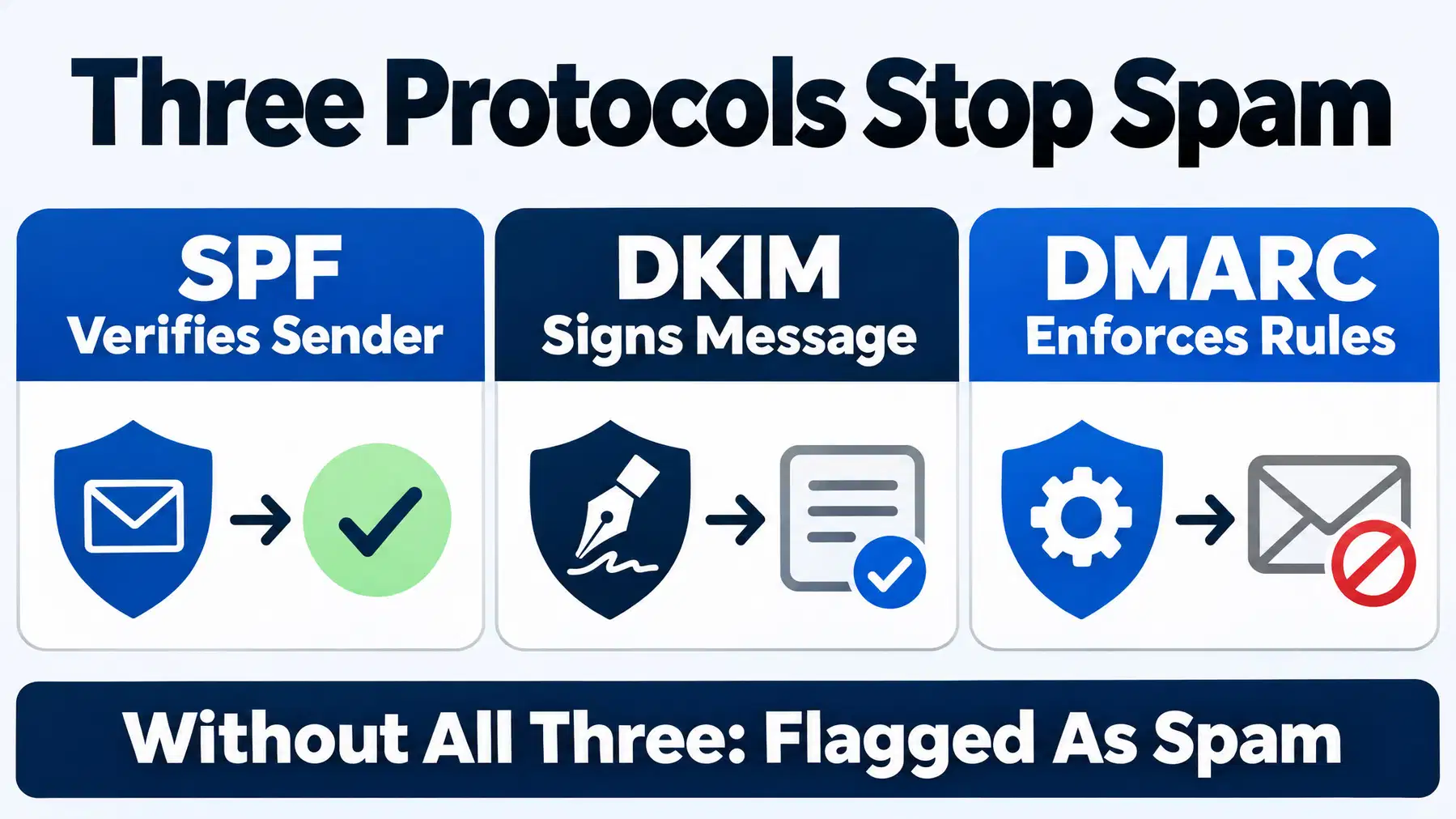
SPF alone is not enough. SPF verifies the sending server, DKIM signs each message so it cannot be tampered with, and DMARC ties them to the visible From address and tells receivers what to do on failure, as Red Sift’s explainer on the three protocols sets out. Without all three, your mail can look fraudulent and is more likely to be filed as spam or phishing, warns Rutgers IT’s bulk email guidance.
Migrating Old Emails Into Google Workspace
You do not have to abandon your history. Google’s built-in Data Migration Service in the admin console can pull mail, and in many cases contacts and calendars, from another Gmail account, Microsoft Exchange or Outlook, or an IMAP host.
For a single mailbox, a manual export and import can be simpler. For a team, the migration service is worth it because it runs for everyone at once. Migrate contacts first, then recent mail, then older archives, and keep the old mailbox active for a couple of weeks so nothing in transit is lost.
Google Workspace Email Pricing: What Beginners Actually Pay
Google Workspace is a paid subscription billed per user, per month. Plans differ by storage, security controls and collaboration features. There is no permanently free business tier. If it lets you consolidate Outlook email, Dropbox or Box file sharing and other tools, compare the total cost of your current subscriptions before choosing a plan.
See Google Workspace Pricing and Sign Up →
Once Your Inbox Works: Turning Professional Email Into a Lead-Generation Tool
A working inbox is step one, not the finish line. The bigger opportunity for real estate, yacht and luxury sales professionals is connecting Gmail with listing alerts, Google Ads, follow-up campaigns and a record of which enquiries turn into real conversations.
That is what ex.plo.re does. Our lead tracking tools show which pages and campaigns generate enquiries so your team can follow up intelligently, while our embedded marketing team supports campaigns for local sales teams and global brands. For yacht brokerages, buyer engagement campaigns connect listings with website, social, email and print activity. For real estate teams, MLS-connected marketing links listings with ongoing lead generation.
Ongoing marketing plans start at $445/month, or $300/month billed annually at $3,600/year, which averages less than $10 per day. Fully Managed Marketing is $2,945/month and adds a dedicated marketing and Google lead-generation team plus a $500 targeted ad budget. Pay-By-Performance plans are available on request.
Start with Google Workspace for your business, then let ex.plo.re connect your website, Google Ads, email campaigns, social presence and lead follow-up. You do not need to manage every channel yourself.
ex.plo.re supports marketing and business growth for local sales teams, luxury brokerages and enterprise global brands. See everything ex.plo.re can do or explore our marketing solutions.
Get My ex.plo.re AI Assistant →Start your business marketing setup with ex.plo.re.
What to Do When It Does Not Work
- Domain will not verify: confirm the record was added to the right domain, with no extra quotes or spaces, then wait a few hours for DNS to update.
- No mail arriving: check that old MX records from your previous host were removed, not just added alongside Google’s.
- Mail going to spam: confirm SPF, DKIM and DMARC are all published, and reduce your sending volume for a week.
- Still stuck: paid Workspace plans include Google support, and your domain host can confirm DNS changes saved correctly.
Ready to put it all together? Get professional email with Google Workspace, then connect it to an AI-assisted marketing system that helps your business attract and follow up with leads.
Start Growing With ex.plo.re →
Frequently asked questions
How do I set up a professional email with Google Workspace?
Sign up for a plan, verify your domain, add users, then add Google’s MX records to your DNS. Finish by publishing SPF, DKIM and DMARC records so messages are authenticated before you email clients.
Is Google Workspace email free for small businesses?
No. It is a paid subscription billed per user per month, though Google usually offers a free trial. Free consumer Gmail does not support a custom domain address.
How do I migrate my old emails to Google Workspace?
Use the Data Migration Service in the admin console to move mail from Gmail, Outlook, Exchange or IMAP. For one mailbox, a manual export and import works too.
What is the difference between personal Gmail and Google Workspace email?
Personal Gmail is free, ends in @gmail.com, and has no admin controls or business ownership. Google Workspace gives you an address on your own domain, an admin console, and company control over every mailbox.
How do I verify my domain for Google Workspace?
Google gives you a verification record to add in your domain’s DNS settings, typically a TXT, CNAME or MX record, an HTML file, or a meta tag.
How do I create a custom email address like info@mycompany.com?
Once your domain is verified, open the admin console and add a user or group with that address. Group addresses such as info@ or sales@ can route to several people without an extra user licence.
Can I use Google Workspace with an existing domain?
Yes. Choose the option to use a domain you already own, verify it, then update your MX records to point mail to Google.
How much does a Google Workspace email account cost per month?
It depends on the tier, since plans differ by storage and features and are billed per user per month. Check Google’s current rates when you sign up.





